

Blog

TickTalk 5: IP67 Water Resistant
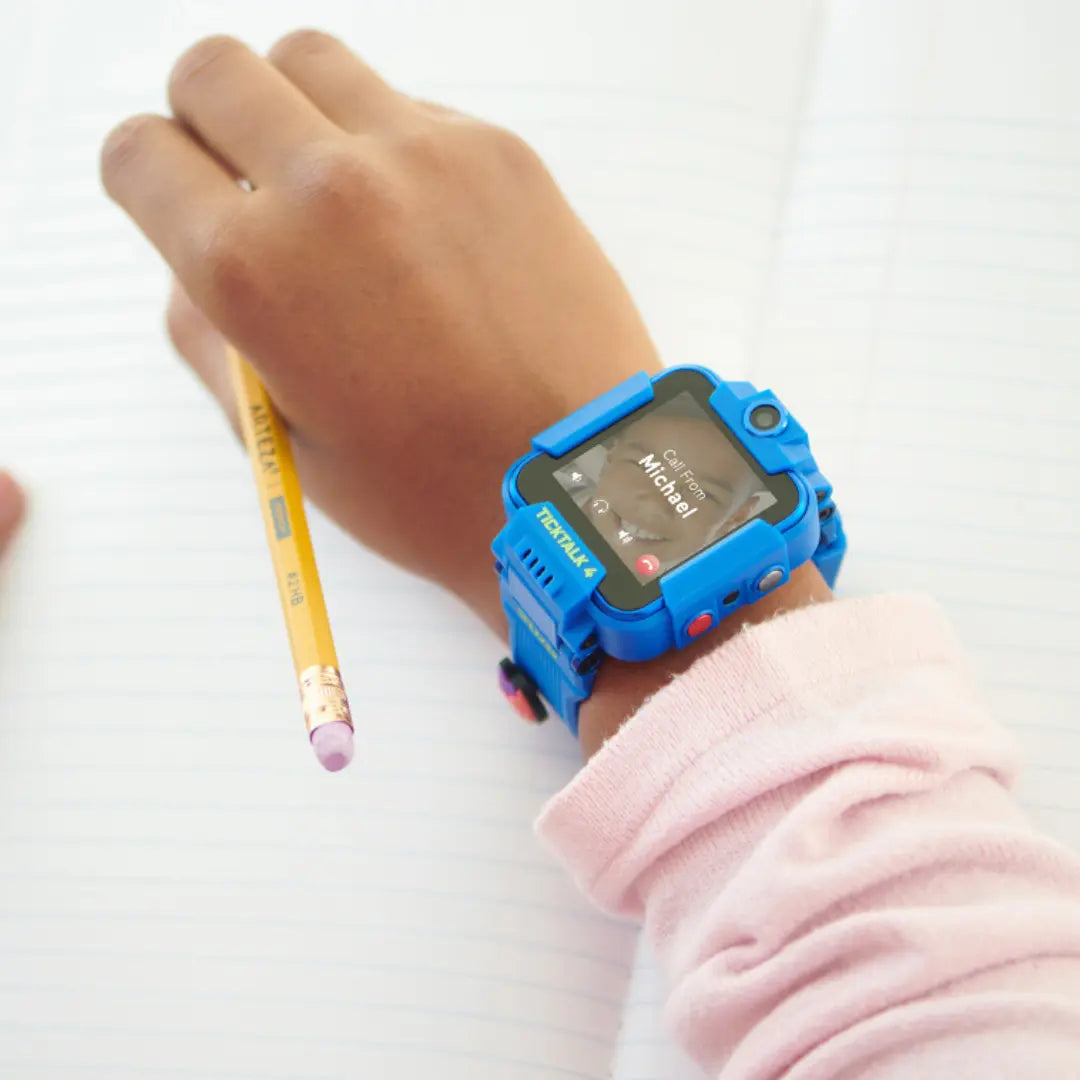
Adding Long Distance Contacts on your TickTalk 4
TickTalk 4 allows you to add up to 53 parent-approved contacts to keep your child connected with the people who matter most. If you have any relatives or friends who don't live near you, don't worry. Adding long-distance or out-of-state contacts is easy and quick!
Read moreabout Adding Long Distance Contacts on your TickTalk 4
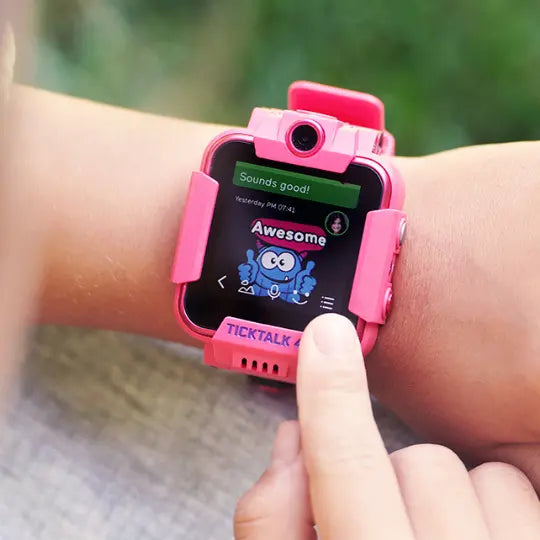
Sending Messages from your TickTalk 4 Smartwatch
One of the best parts about TickTalk is giving your child the ability to stay connected to loved ones, near and far. With in-app messaging, your child gets the texting experience while you get peace of mind with end-to-end encryption and only parent-approved contacts. So how does messaging work on TickTalk?
Read moreabout Sending Messages from your TickTalk 4 Smartwatch
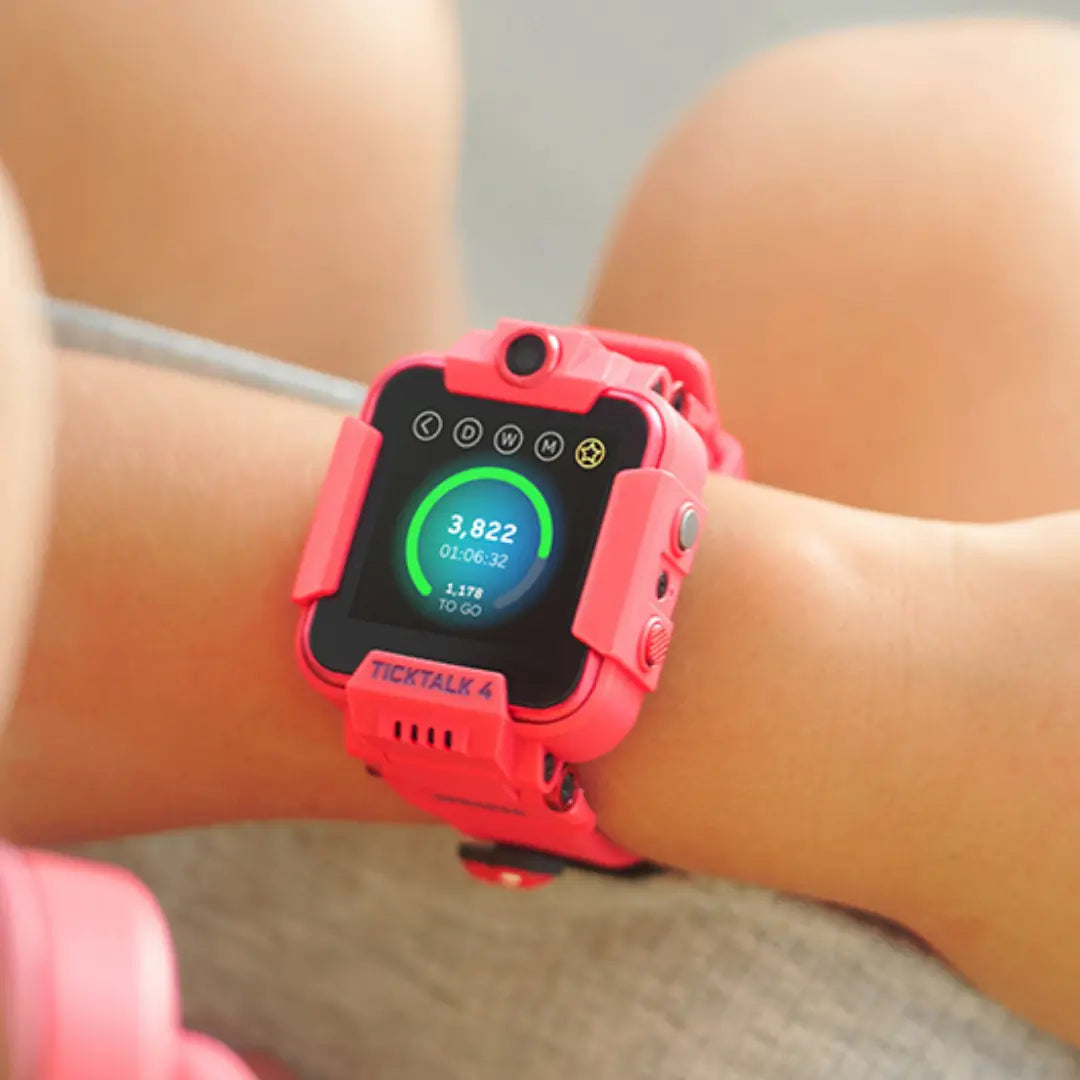
Checking your Steps with Activity Tracker from your TickTalk 4 smartwatch
We added an Activity Tracker with daily step goals to encourage your child to live a more active lifestyle! So how can your child see how they are progressing throughout the day in their #stepjourney?
Read moreabout Checking your Steps with Activity Tracker from your TickTalk 4 smartwatch
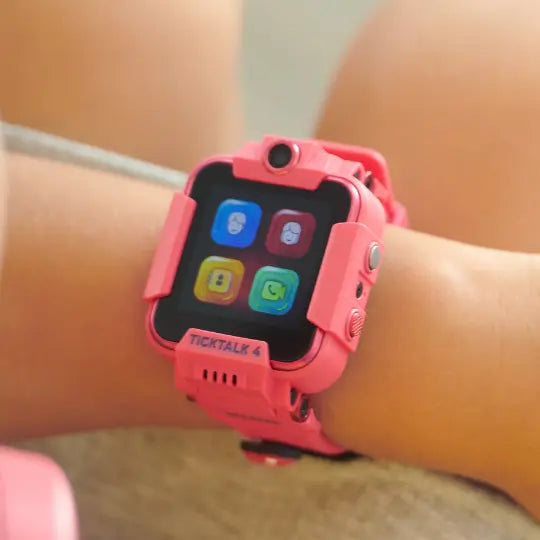
Saving Parent Shortcut Dial Icons on your TickTalk 4 smartwatch
Parent Shortcut Dial Icons appear as the first two icons on their TickTalk home screen to allow your child to call you instantaneously by pushing an icon. You can even change the icons to fit your family best. So how does it work?
Read moreabout Saving Parent Shortcut Dial Icons on your TickTalk 4 smartwatch
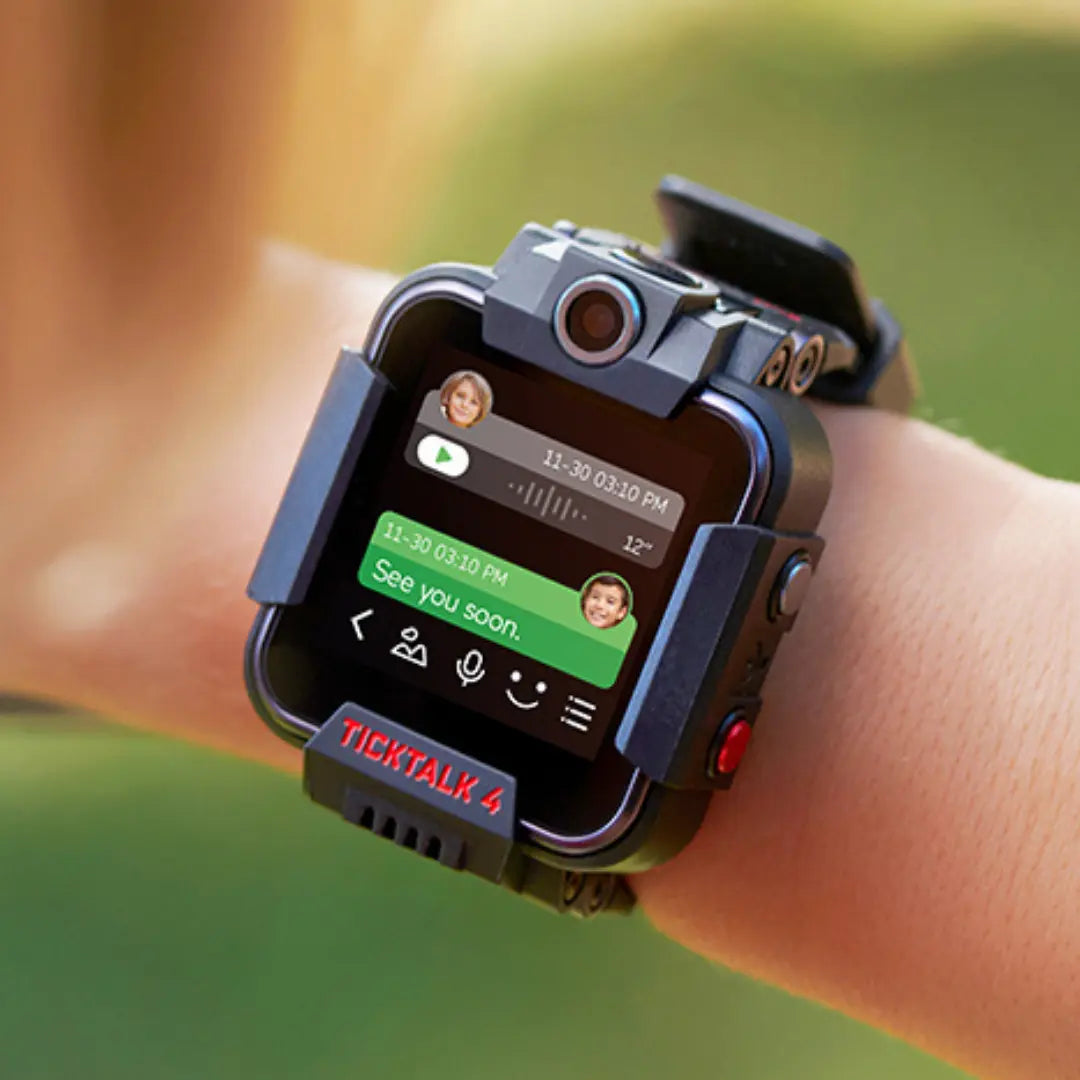
Messaging your TickTalk 4 smartwatch from your TickTalk App
TickTalk makes it easier than ever to keep loved ones close with in-app messaging between your TickTalk watch and our free app. We use end-to-end encryption to ensure your child’s conversations stay private. So how does it work?
Read moreabout Messaging your TickTalk 4 smartwatch from your TickTalk App
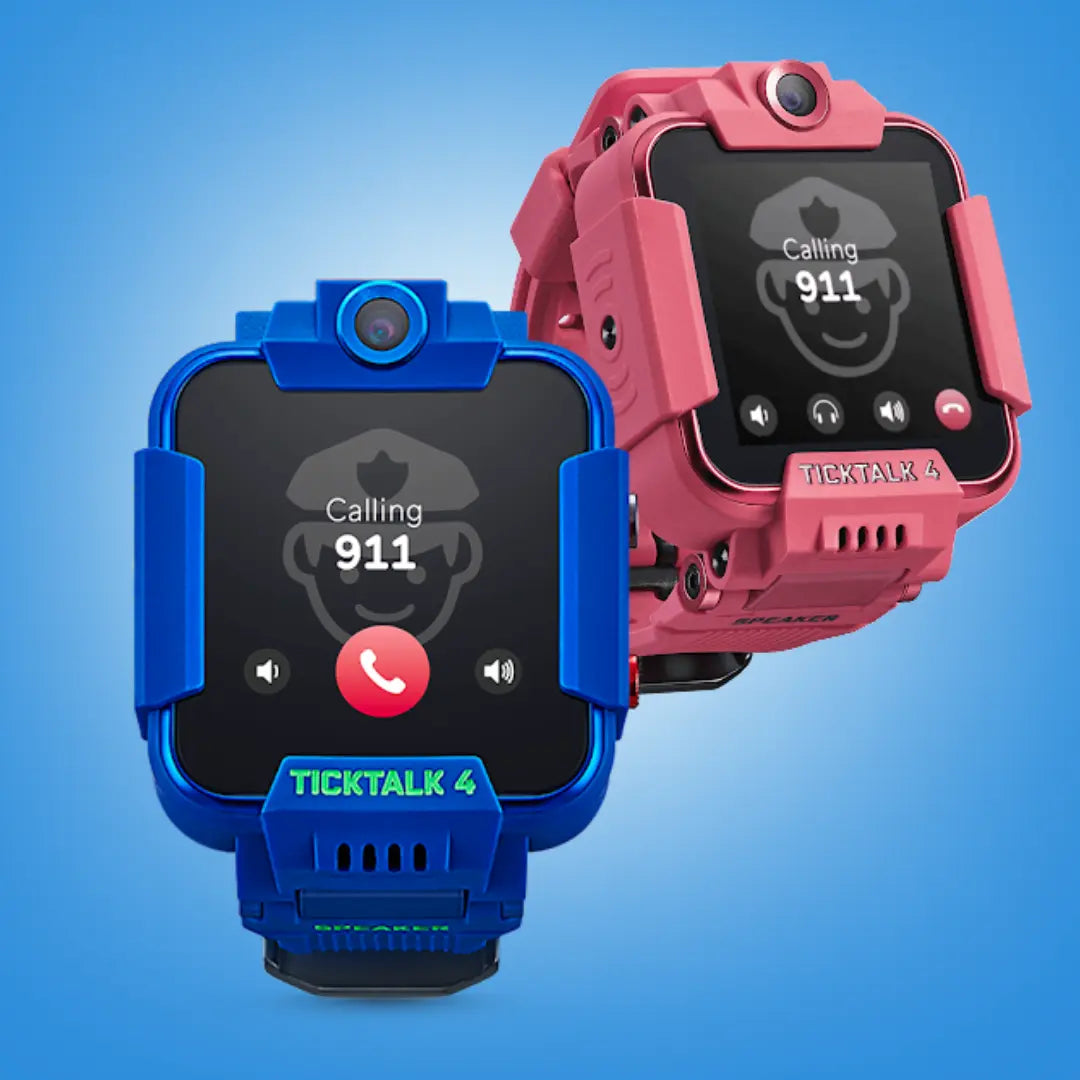
Calling 911 for Emergency Response
Your TickTalk can call 911 in the event of an emergency that requires police or medical intervention--a feature we hope you never have to use, but gives parents peace of mind having available. So how does it work?
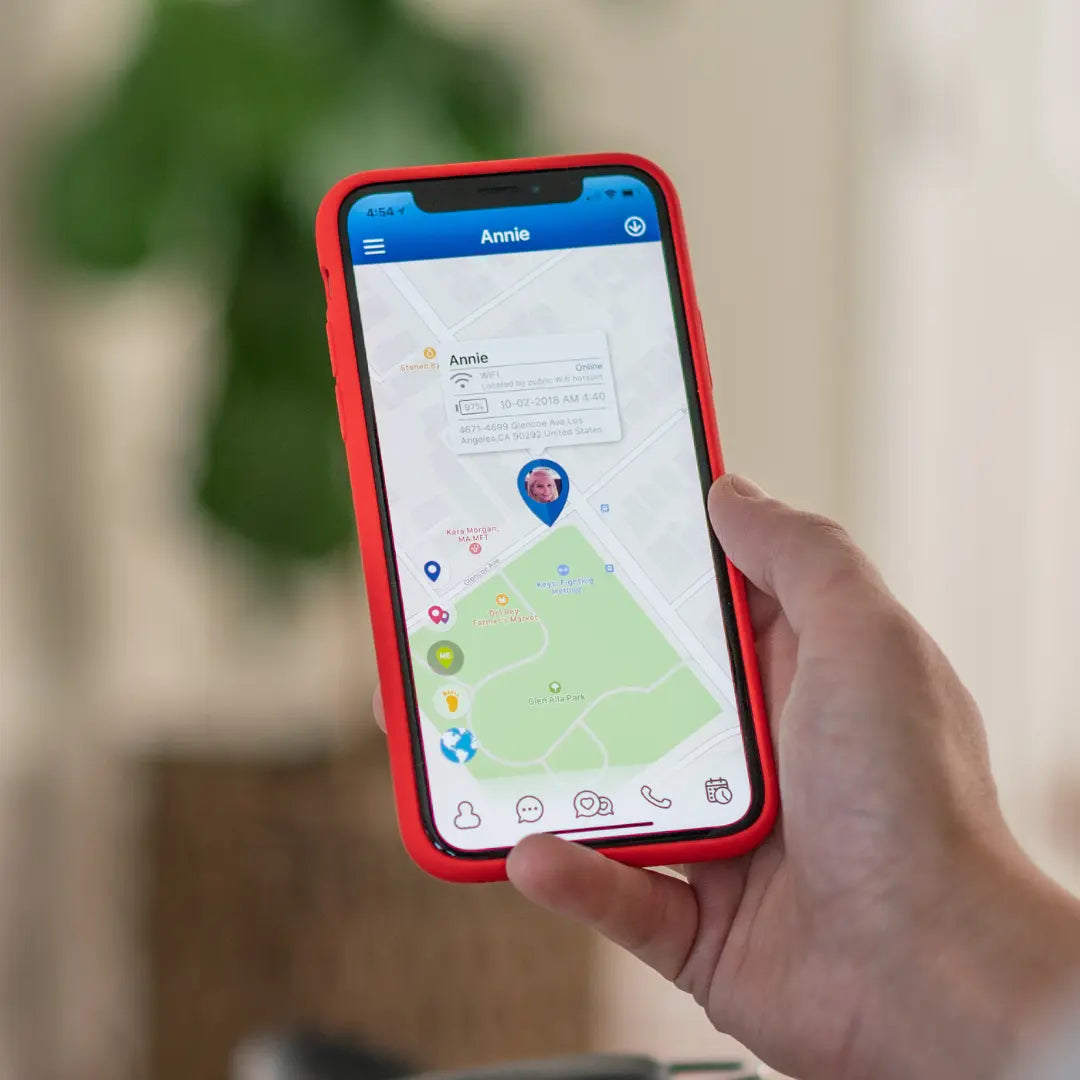
Locating your TickTalk smartwatch from your TickTalk App
TickTalk allows you to know your child is safe 24/7. Our parental control app interface shows your child’s location as soon as you open it to give you peace of mind. So how does it work?
Read moreabout Locating your TickTalk smartwatch from your TickTalk App
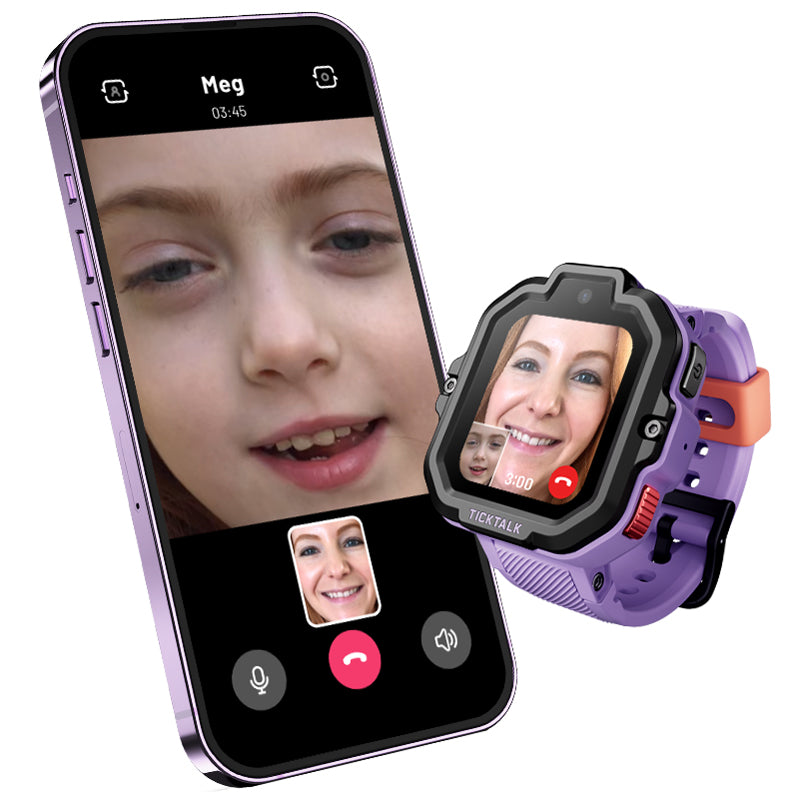
Calling your TickTalk smartwatch from your TickTalk App
With a cellular plan exactly like a cell phone, but no internet, games, or social media, TickTalk allows you to safely connect with your child without sacrificing peace of mind. Read on to learn more about how TickTalk works.
Read moreabout Calling your TickTalk smartwatch from your TickTalk App