

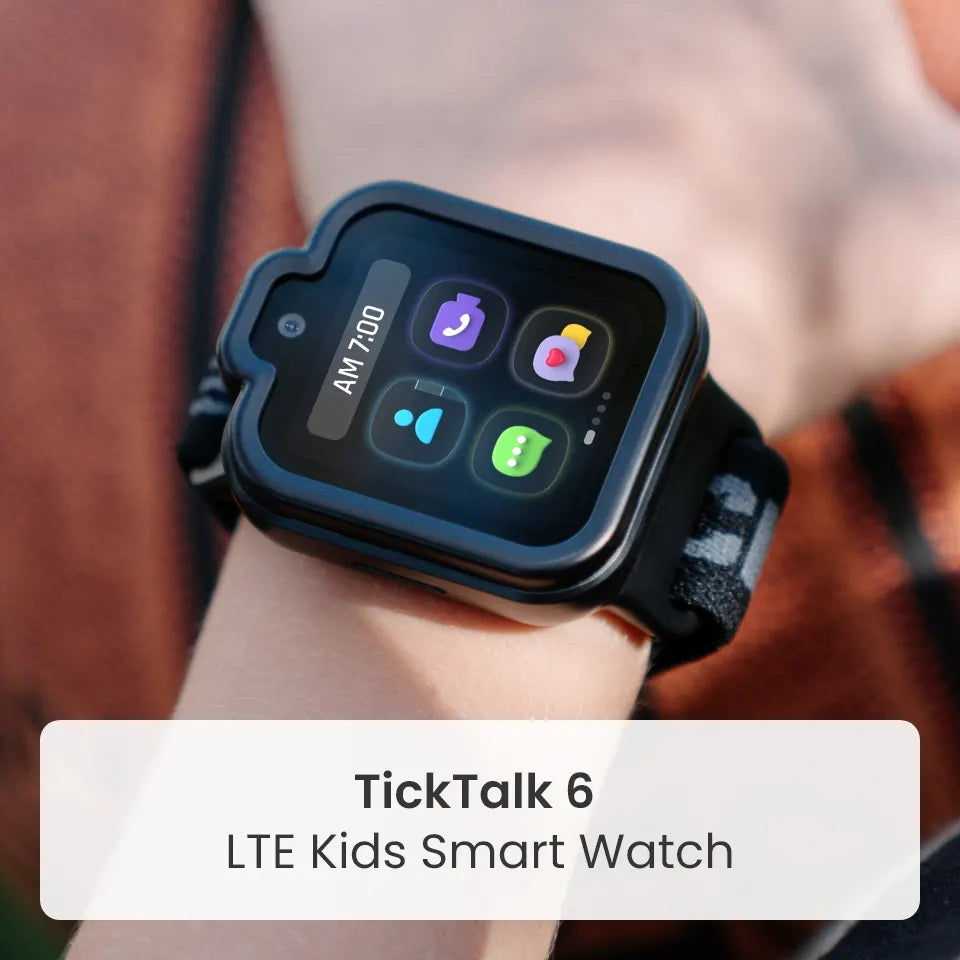
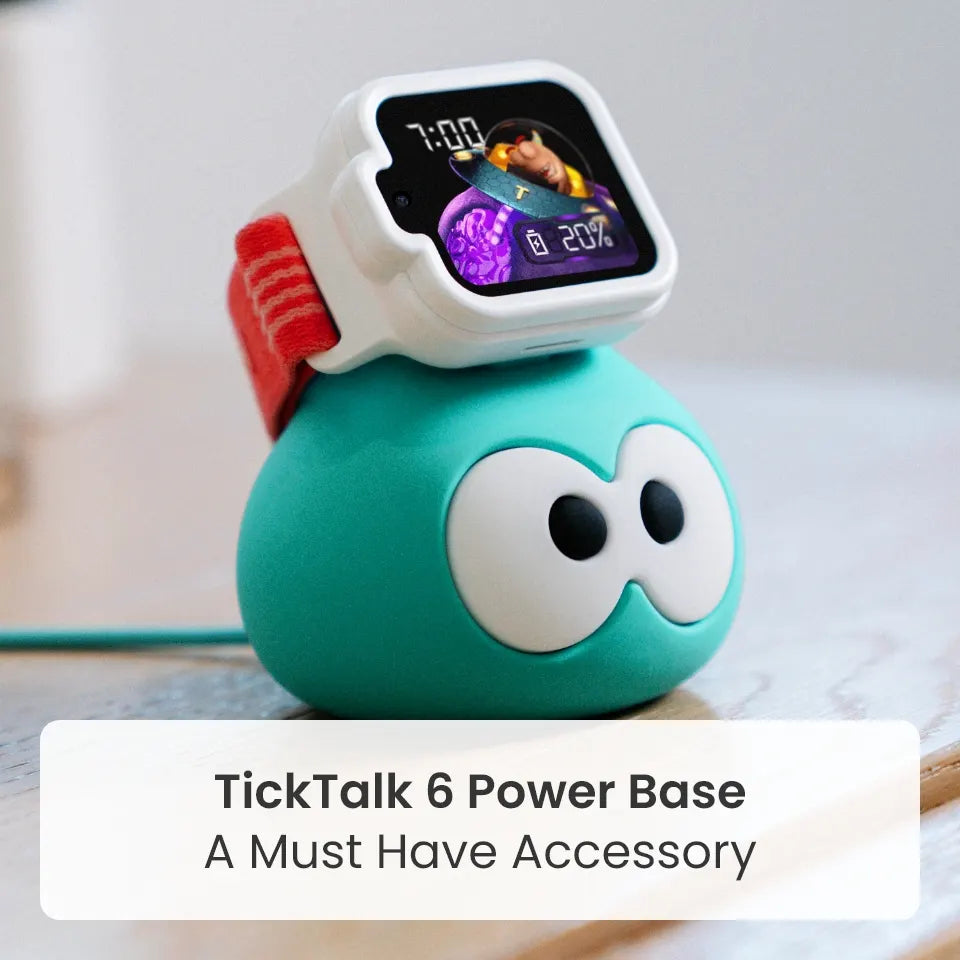
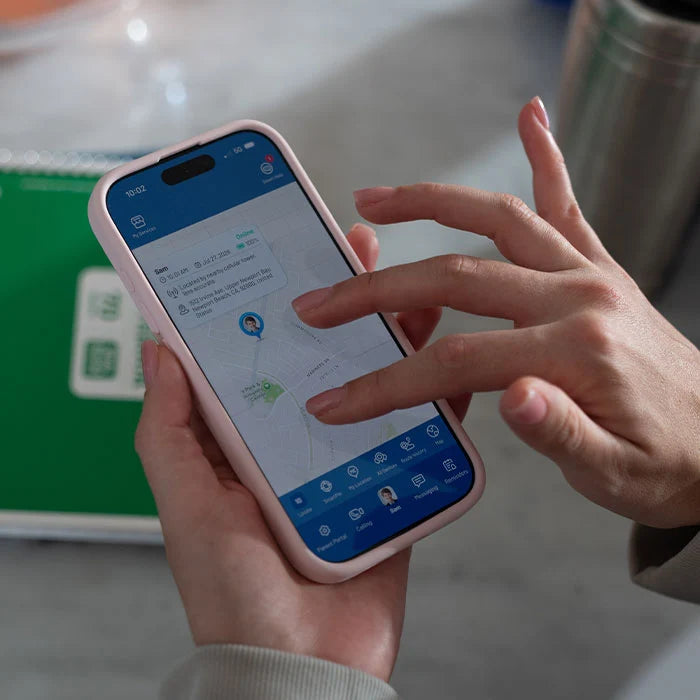
TickTalk 6 helps parents stay connected and know where their kids are with Real-Time Location Tracking, History Route and AI SmartPin™, all in the TickTalk App. It is a parent-managed kids GPS watch phone for ages 3–12, built around communication and safety, with no games, no social media and no open internet.
For many parents, knowing where their child is makes the difference between a worried afternoon and a relaxed one. Whether it is the walk home from school, a playdate down the street or a busy day at the park, a quick look at the map can answer the question before it turns into a worry. And because TickTalk 6 is not a smartphone, your child gets that connection without the distractions that come with one.
This guide explains how TickTalk 6 location tools work, how families use them day to day and how they fit with calling, messaging and safety features.
Why knowing where your child is matters
Kids gain independence in small steps. They walk to a neighbor's house, stay late at practice, go to a birthday party or spend a weekend with grandparents. Each step is a good thing, and each one comes with a question parents ask themselves: where are they right now?
Location tools do not replace trust or supervision. They give parents a simple way to check in when a question comes up, so kids can enjoy more freedom and parents can feel more at ease. The most useful tool is one that is easy to use, that kids can wear all day and that does not come with an app store, a feed or a browser attached.
That is the idea behind TickTalk 6. It combines location with calling, messaging and safety tools in a device designed for kids, and it leaves out the rest.
How TickTalk 6 location tracking works
TickTalk 6 includes three location tools in the TickTalk App, the parent-managed control center for the watch.
Real-Time Location Tracking
Parents can request and view their child's current location in the TickTalk App. If you are wondering whether the school bus has arrived or whether the group has made it to the park, you can check without making a call.
AI SmartPin™
GPS can show the wrong spot at places like a friend's house or school, especially indoors. With AI SmartPin, parents can correct an inaccurate watch location by pinning the correct spot at a familiar place. AI SmartPin uses the correction to improve future location accuracy at that place, so the places your child visits most get smarter over time.
Location accuracy and timing depend on the device, GPS, network and environment. SmartPin is designed to improve location precision, not guarantee it.
Built to stay on the wrist
A smartwatch is worn rather than carried, so it is less likely to be left behind in a backpack. TickTalk 6 has a slimmer, lighter design, a washable comfort band and a protective case, plus IP68 water resistance and up to 135 hours of standby time, so it is comfortable and ready for everyday play. IP68 describes controlled test conditions, and TickTalk 6 is water-resistant, not waterproof. Battery performance varies with use, signal, settings and network, so charge the watch regularly.
Everyday moments when location helps
- The walk to or from school. Check in when your child should be on their way, and use History Route to see the path they took.
- After-school activities. Pin the practice field or studio with AI SmartPin so the watch shows the right place each week.
- Playdates and sleepovers. Confirm that your child arrived, then let them have fun.
- Parks, fairs and busy outings. If your child wanders off, you can see their location and call them right away.
- Time with grandparents or other caregivers. The Primary User can give Secondary Users full or limited access in the TickTalk App, so relatives get the access they need and nothing more.
- Holidays like Halloween. A glance at the map can help you stay in touch while kids walk with friends.
Talk with your child about location before you start using it. Explain that it is part of staying connected and helping them have more independence, the same way you would agree on a route or a time to be home. Kids feel more comfortable when they understand why, and TickTalk 6 is designed to make children active participants in communication, not just something that tracks them.
Remember that cellular, calling, messaging, location and emergency features require power, compatible service, coverage and connectivity, and availability may vary.
Location works best with communication
A map answers where. Talking answers how, and TickTalk 6 does both.
- Voice calling and FaceTalk™ video calling let you and your child reach each other with approved contacts. FaceTalk works between supported TickTalk endpoints, uses more battery, and availability and settings apply.
- Real SMS lets trusted family members text your child without needing the TickTalk App, with a compatible cellular plan and service.
- In-app messaging and Group Chat give kids text, talk-to-text, voice messages, preset replies, emoji, GIFs and photos for easy check-ins.
- TickTalkie™ is an LTE walkie-talkie for kids that lets approved TickTalk Watch Friends talk watch to watch, wherever compatible coverage is available. It is kid to kid, and parents cannot join from the TickTalk App.
- SOS lets your child press and hold the red SOS button for 5 seconds to call the emergency contact.
- 911 calling can be enabled by parents. When enabled, your child presses Power once, then SOS twice.
- Approved contacts let parents manage up to 100 contacts, and Block Unknown Numbers adds another layer of control by reducing unwanted calls.
SOS and 911 require power, compatible service and coverage. TickTalk 6 does not replace adult supervision or emergency planning.
Location without the distractions of a smartphone
A smartphone can share a child's location too, but it also brings the open internet, social media, games and constant notifications. The American Academy of Pediatrics observes that most digital platforms are designed to boost engagement and profit rather than to support children's health and development, according to its news release on the 2026 policy statement. That is a lot for a young child to manage, and a lot for parents to keep up with.
TickTalk 6 is built around "Communication First. Safety Always." It has no games, no social media and no open internet, so the watch stays focused on the features parents ask for most: calling, messaging, location and safety tools. There is no app store and no browser to wander through.
A watch can still ring or buzz, which is why the TickTalk App includes parent-managed School Mode and Focus settings to reduce nonessential watch activity during class, homework or bedtime. If you are weighing a smartphone against a smartwatch, our guide to kids smartwatches vs. smartphones walks through the differences.
Frequently asked questions
Does TickTalk 6 have GPS tracking?
Yes. TickTalk 6 includes Real-Time Location Tracking, History Route and AI SmartPin in the TickTalk App. Accuracy and timing depend on the device, GPS, network and environment.
How can I track my child's location without giving them a smartphone?
A kids GPS watch phone like TickTalk 6 lets parents view their child's location in the TickTalk App while keeping calling, messaging and safety tools. It has no games, social media or open internet.
What is AI SmartPin?
AI SmartPin lets parents correct an inaccurate watch location by pinning the correct spot at familiar places. It uses the correction to improve future location accuracy at that place. It is designed to improve location precision, not guarantee it.
Can I see where my child has been?
Yes. History Route displays supported historical location activity so you can look back at recent movement. The retention period follows the current app policy.
Can my child contact me if something comes up?
Yes. Kids can call, text or message approved contacts, and they can press and hold the red SOS button for 5 seconds to call the emergency contact. Parents can also enable 911 calling. These features require power, compatible service and coverage.
Can grandparents or caregivers see my child's location?
The Primary User can give Secondary Users full or limited access in the TickTalk App, so relatives and caregivers get the access they need.
Does TickTalk 6 replace adult supervision?
No. TickTalk 6 helps families stay connected, but it does not replace adult supervision or emergency planning.
Is TickTalk 6 waterproof?
No. TickTalk 6 is IP68 water-resistant, not waterproof. IP68 describes controlled test conditions, and warranty terms apply.
How long does the TickTalk 6 battery last?
TickTalk 6 offers up to 135 hours of standby time. Actual performance varies by use, signal, settings and network.
What age is TickTalk 6 for?
TickTalk 6 is designed for kids ages 3–12.
Stay connected, and keep it simple
With Real-Time Location Tracking, History Route, AI SmartPin, calling, messaging and SOS, TickTalk 6 helps parents stay connected without a smartphone's distractions. Meet TickTalk 6 at myticktalk.com.
Share:
Trick-or-Treating with TickTalk 6: Stay Connected All Night
Why a Child's First Device Should Not Be a Smartphone