

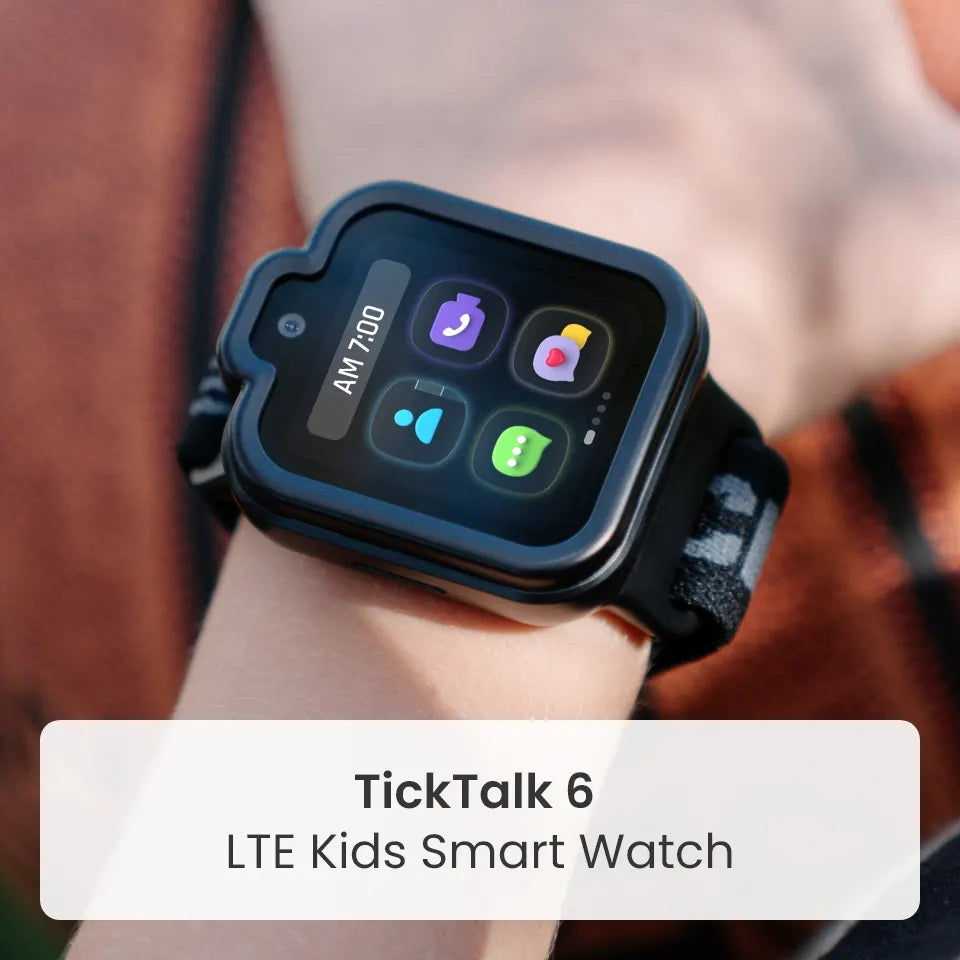
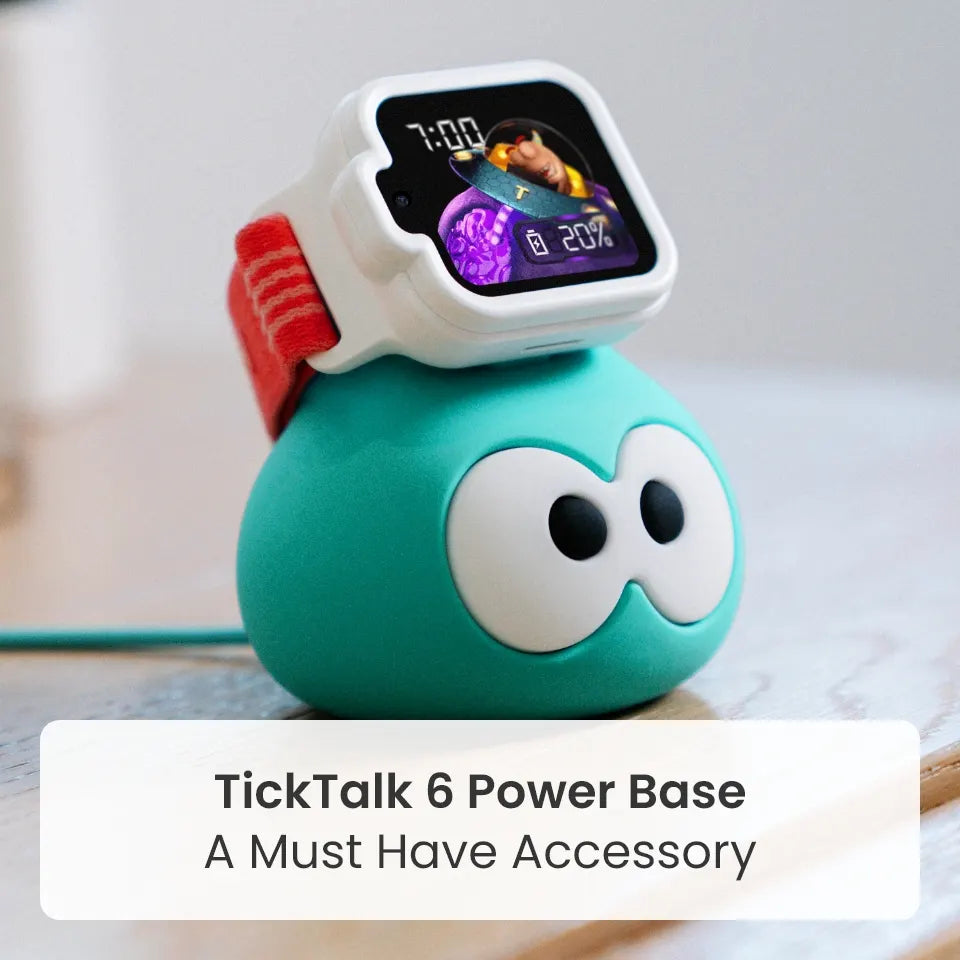
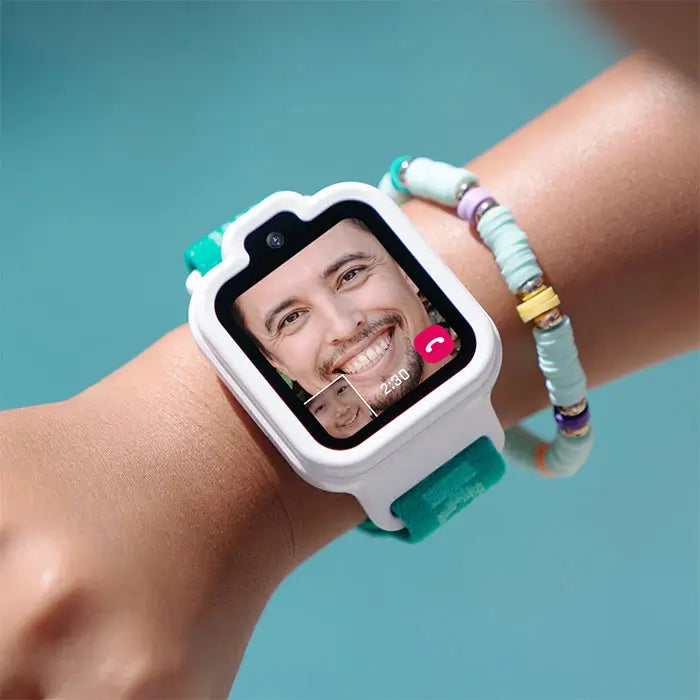
A child's first device should focus on what matters most: safety, communication and peace of mind for parents. That is why many families choose a kids smartwatch like TickTalk 6 before a smartphone. A smartphone opens the door to the open internet, social media, games and constant notifications. TickTalk 6 has no games, no social media and no open internet, so kids can call, message, share their location and reach help without the rest.
This guide explains why a first device matters, what a smartphone adds, what pediatric guidance and recent research say, and what to look for in a first device. Every source is linked so you can read it for yourself.
Why a Child's First Device Matters
A first device is more than a gadget. It is where kids learn how to communicate with people they love, how to be responsible with technology and how to build habits they will carry into the teen years. The device you choose shapes what those first lessons look like.
Parents often share similar reasons for wanting their child to have a device in the first place:
- To reach their child when plans change, practice runs late or they are walking home
- To know where their child is during school, activities and time with friends
- To give their child a way to get help if something comes up
- To decide who can contact their child, and who cannot
Notice what is missing from the list: social feeds, games and open web browsing. A child's first device does not need them to do its job. When a device starts with everything, parents spend their time managing what to turn off. When it starts with what matters, parents can spend that time connecting.
What a Smartphone Brings With It
A smartphone can be a wonderful tool, and many families decide it is the right choice at the right time. It is also a full computer with a connection to the entire internet. When it is a child's first device, it brings along:
- The open internet. Search results, video feeds and websites are one tap away, along with everything a parent would rather their child not see.
- Social media. The U.S. Surgeon General's advisory on social media and youth mental health reports that nearly 40% of children ages 8 to 12 use social media, even though most platforms set a minimum age of 13. The advisory says the evidence does not let us conclude that social media is sufficiently safe for children and adolescents, while noting that it can benefit some young people.
- Games and apps designed to hold attention. The American Academy of Pediatrics (AAP) observes that most digital platforms are built to boost engagement and profit, not to support children's health and development, in its news release on the 2026 policy statement.
- Constant notifications. In coverage of the AAP guidance, frequent notifications, autoplay videos and mindless scrolling are described as highly stimulating features that may lead to poor sleep, attention difficulties and emotional regulation challenges.
None of this means every child with a smartphone struggles. It does mean a smartphone asks a young child to manage a lot on their own, and asks parents to keep up with apps, settings and trends that change all the time.
What Pediatric Guidance and Research Say
Researchers and pediatricians are paying closer attention to when kids get their first smartphone and what that device is designed to do.
A large study on early smartphone ownership
A study published in the journal Pediatrics in December 2025, Smartphone Ownership, Age of Smartphone Acquisition, and Health Outcomes in Early Adolescence, analyzed data from 10,588 young adolescents in the Adolescent Brain Cognitive Development (ABCD) Study. According to ABC News, researchers found that compared with 12-year-olds who did not own a smartphone, those who did had about 1.3 times the odds of depression, 1.4 times the odds of obesity and 1.6 times the odds of insufficient sleep. The younger a child was when they got their first smartphone, the greater the odds of obesity and poor sleep.
There are important caveats. The study shows an association, not cause and effect, and it did not look at how children used their phones. The lead author also said the results are not meant to blame parents who gave their kids smartphones before 12. The research team recommended that parents, children and pediatricians have a thoughtful conversation about whether a child is ready.
Pediatric guidance on digital design
The AAP's January 2026 policy statement, Digital Ecosystems, Children, and Adolescents, looks beyond minutes of screen time to the whole digital environment kids use. As the AAP news release explains, the way a platform is designed matters. The AAP also says digital media designed with children's wellbeing in mind can support learning and social connection, according to HealthyChildren.org.
The takeaway is not that technology is bad for kids. It is that the kind of device, and what it invites a child to do, matters.
What a Child's First Device Should Do
If a first device is about connection and safety, here is a simple checklist to compare options:
- Easy two-way communication. Voice calls, video calls and messages with people you approve.
- Location awareness. A way to check in on where your child is when a question comes up.
- A way to get help. An SOS button or emergency calling feature that is simple for a child to use.
- Parent control over contacts. You decide who can reach your child.
- No open internet, social media or games. Fewer distractions and fewer things to manage.
- Kid-friendly durability. Comfortable to wear, easy to clean and ready for active days.
- Simple parent management. One place to manage settings, schedules and permissions.
- Room for routines. Tools that help with school, homework and bedtime.
A device that checks these boxes gives kids independence and gives parents peace of mind, without opening every door at once.
How TickTalk 6 Fits a Child's First Device
TickTalk 6 is built around "Communication First. Safety Always." It is a parent-managed kids smartwatch phone for ages 3–12 that focuses on the features parents ask for most. It has no games, no social media and no open internet, and there is no app store or browser to wander through.
Communication
- Voice calling and FaceTalk™ video calling with approved contacts. FaceTalk works between supported TickTalk endpoints and uses more battery.
- Real SMS so trusted family members can text your child without needing the TickTalk App, with a compatible cellular plan and service.
- In-app messaging and Group Chat with voice messages, preset replies, emoji, GIFs and photos.
- TickTalkie™, an LTE walkie-talkie for kids that lets approved TickTalk Watch Friends talk watch to watch, wherever compatible coverage is available. It works between TickTalk 5 and newer watches, and parents cannot join from the TickTalk App.
Location and safety
- Real-Time Location Tracking, History Route and AI SmartPin™ in the TickTalk App. Accuracy and timing depend on the device, GPS, network and environment.
- SOS: Your child presses and holds the red SOS button for 5 seconds to call the emergency contact.
- 911 calling: Parents can enable it. When enabled, your child presses Power once, then SOS twice.
Parent control
- Approved contacts: Manage up to 100 contacts, and turn on Block Unknown Numbers to reduce unwanted calls.
- School Mode and Focus: Parent-managed schedules that reduce nonessential watch activity during class, homework or bedtime.
- App user permissions: The Primary User can give relatives and caregivers full or limited access.
Built for kids
TickTalk 6 has a slimmer, lighter design with a washable comfort band, a protective case, IP68 water resistance (not waterproof) and up to 135 hours of standby time. Battery performance varies by use, signal, settings and network. Calling, messaging, location and emergency features require power, compatible service and coverage, and TickTalk 6 does not replace adult supervision.
To see how TickTalk compares with a smartphone in more detail, read our guide to kids smartwatches vs. smartphones.
When might a child be ready for a smartphone?
There is no single right age, and every child and family is different. A first device that focuses on communication and safety is not meant to be forever. It gives kids time to build responsibility, routines and confidence before taking on more.
When you decide it is time to move up, these steps can help:
- Talk it through. The Pediatrics study authors recommend a thoughtful conversation among parents, children and pediatricians about whether a child is ready, as reported by ABC News.
- Protect sleep. Dr. Jason Nagata, a pediatrician at the University of California, San Francisco, says a simple step families can take is keeping phones out of the bedroom overnight, as reported by The Star.
- Start with a family media plan. Decide together when and where devices are used.
- Take it one step at a time. Moving from a communication-first device to a smartphone is a decision you can make when your child shows they are ready.
The choice is yours. TickTalk 6 is designed to help your family start with what matters.
FAQ's
What should a child's first device be?
A child's first device should focus on communication, safety and parent control. A kids smartwatch phone like TickTalk 6 offers calling, messaging, location tools and SOS, with no games, social media or open internet.
Why shouldn't a child's first device be a smartphone?
A smartphone brings the open internet, social media, games and constant notifications. Research shows that owning a smartphone by age 12 is associated with higher odds of depression, obesity and insufficient sleep, though the study shows association, not cause and effect. Many families choose a communication-first device to start.
What age should a child get a smartphone?
There is no single right age. The authors of a 2025 Pediatrics study recommend that parents, children and pediatricians talk about readiness. Many families start with a simpler device first.
Is a kids smartwatch a good alternative to a smartphone?
For many families, yes. TickTalk 6 is a parent-managed cell phone alternative for kids ages 3–12 with voice and video calling, Real SMS, location tools and approved contacts. It has no open internet, social media or games.
Does TickTalk 6 have internet, social media or games?
No. TickTalk 6 has no games, no social media and no open internet.
Can kids call and text on TickTalk 6?
Yes. Kids can use voice calling, FaceTalk video calling, Real SMS and in-app messaging with contacts you approve. These features require power, compatible service and coverage.
Can parents see where their child is?
Yes. TickTalk 6 includes Real-Time Location Tracking, History Route and AI SmartPin in the TickTalk App. Accuracy and timing depend on the device, GPS, network and environment.
Does TickTalk 6 have SOS and 911 calling?
Yes. Kids press and hold the red SOS button for 5 seconds to call the emergency contact, and parents can enable 911 calling. These features require power, compatible service and coverage.
What age is TickTalk 6 for?
TickTalk 6 is designed for kids ages 3–12.
Start with what matters
A first device can be simple. With calling, messaging, location tools, SOS and parent controls, and no games, social media or open internet, TickTalk 6 helps families stay connected from day one. Meet TickTalk 6 at myticktalk.com.
Share:
Know Where Your Kids Are: GPS Location Tracking with TickTalk 6